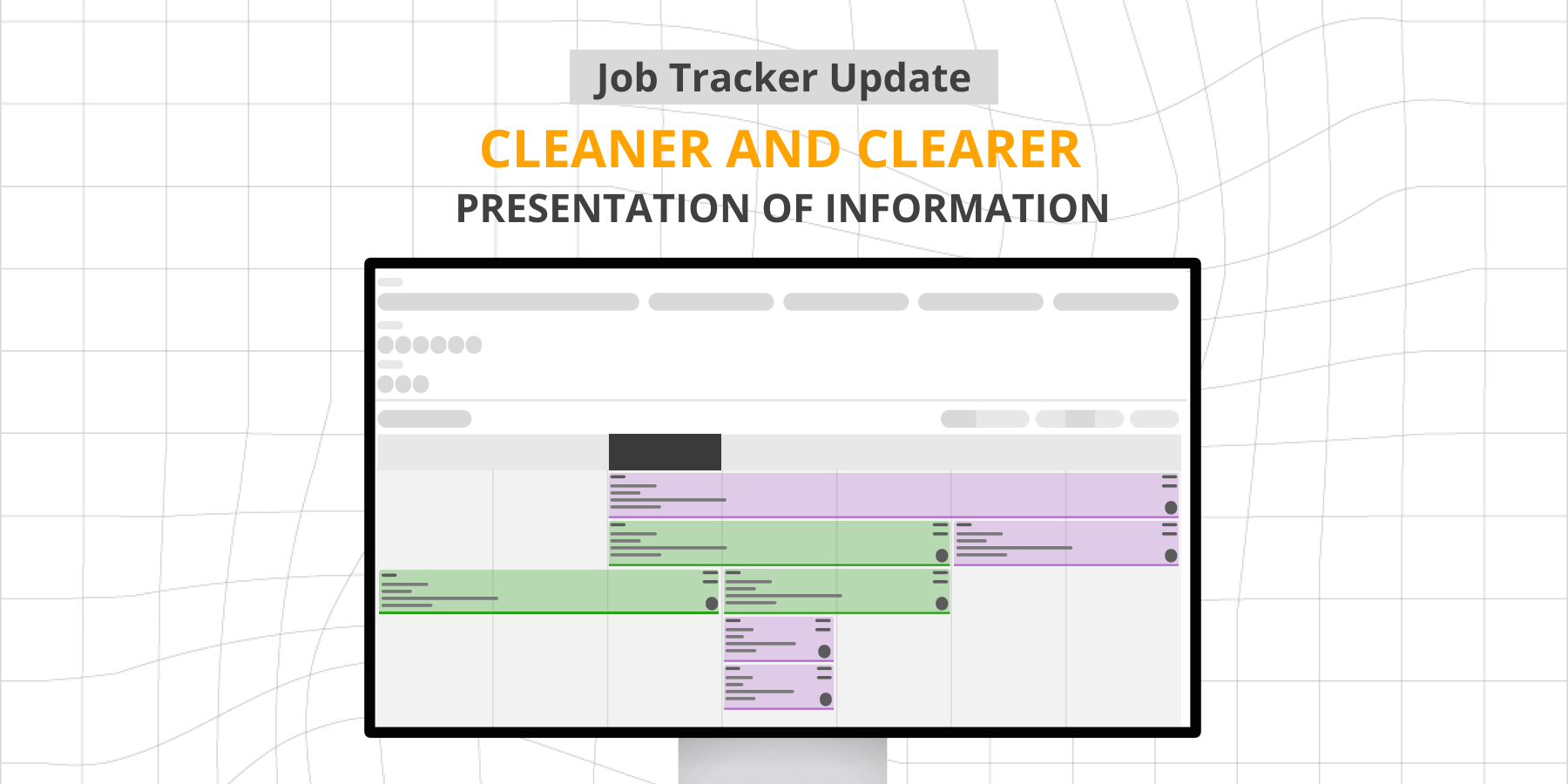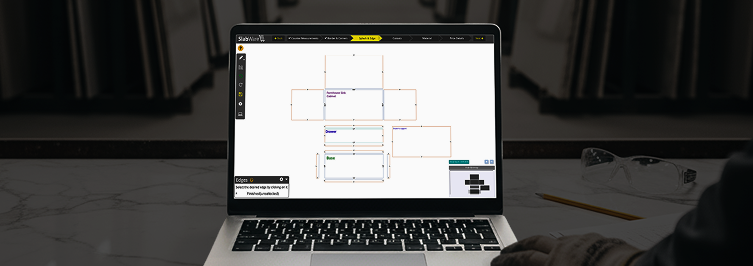

Recently, SlabWare has added a game-changing feature to its collaboration software Job Tracker: an integration with Google Calendar. With this update, you can now see the jobs that have you as the responsible directly in your Google Calendar.
In this post, we’re gonna explain the tips and tricks on how to configure the application on your smartphone, both in Android and iOS systems. This way, you will be able to see Google Calendar directly on your smartphone, anytime and wherever you are.
1. Configuring Job Tracker to integrate it into Google Calendar
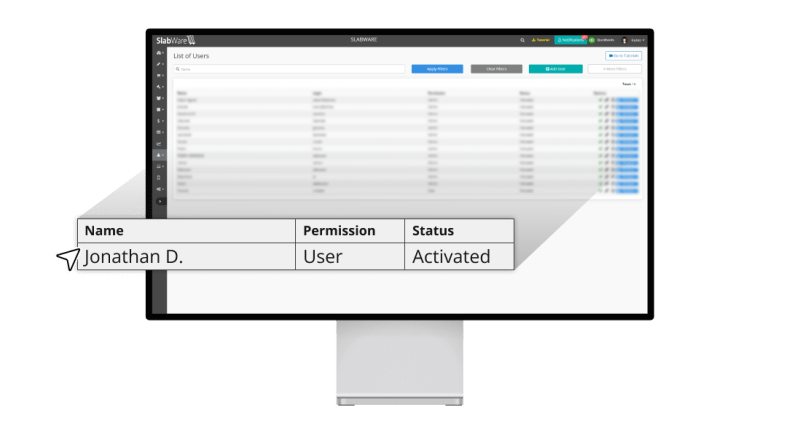
On your SlabWare system, click on Users on the left-side menu.
On the List of Users, choose the User which will be synchronized.
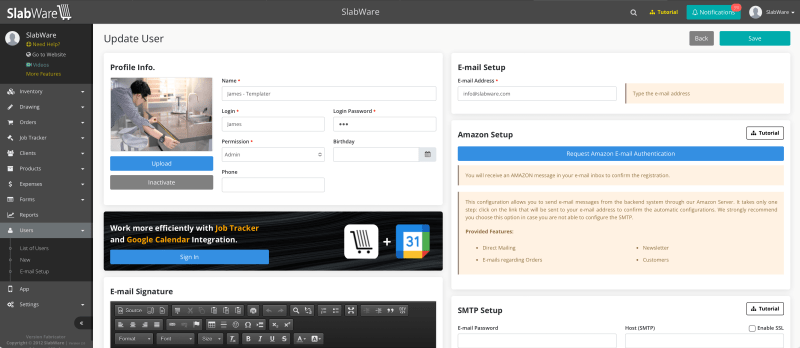
On the User edition page, you’re gonna click on the banner to sign in to your Google Account.
2. How to visualize your Job Tracker’s jobs on the Computer
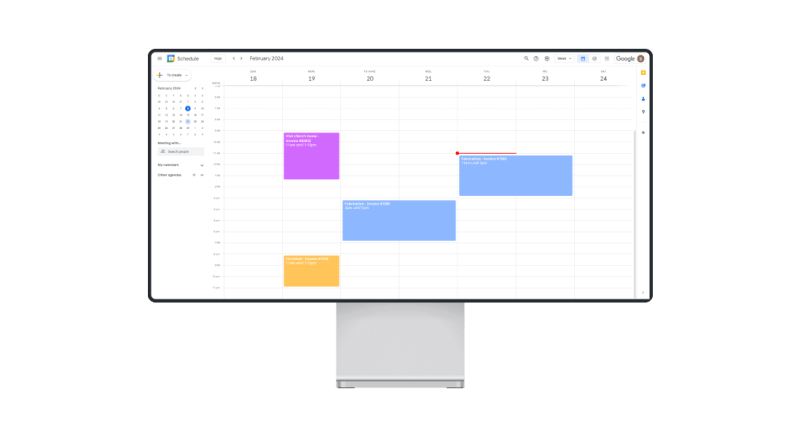
After the system is configured as shown in step 1, access Google Agenda’s website and sign in with your Google Account. Your jobs will appear as follows:
3. Viewing Job Tracker’s schedule on Google Calendar on your Android Smartphone
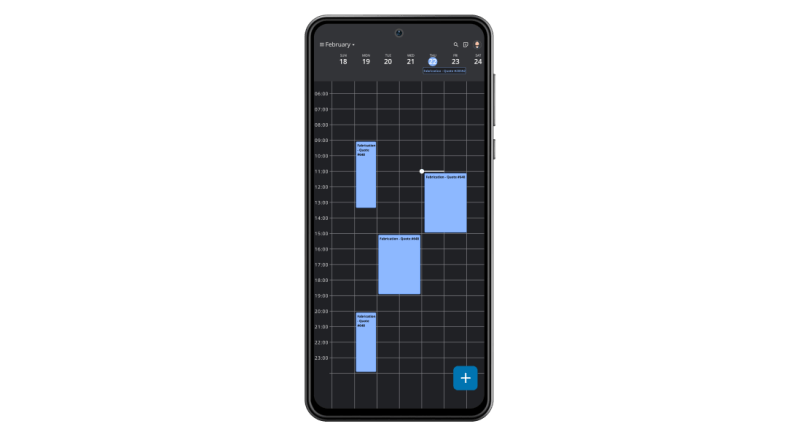
After signing in with your Google Account as described in the step above, open your Google Agenda app on your smartphone, and your Job Tracker’s jobs will be shown there.
4. Viewing Job Tracker’s schedule on Google Calendar on your iOS Smartphone
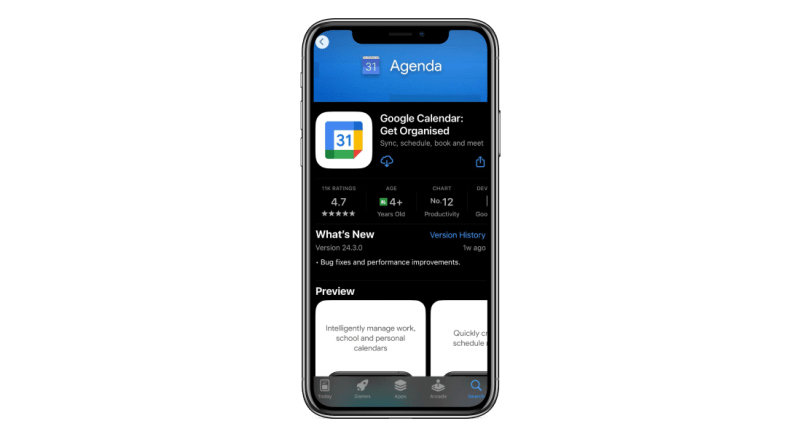
After signing in with your Google Account as described in step #1, you’re gonna need to install the Google Agenda app on your iOS smartphone.
First of all, open your App Store, search for it, and install it on your smartphone. Check the image below.
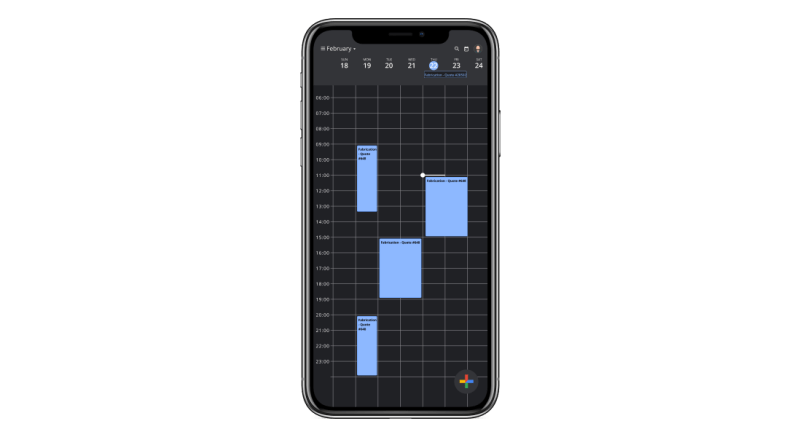
When the installation is complete, open the app and you will be able to see your jobs on Google Agenda:
Try Job Tracker’s integration with Google Calendar now on your SlabWare App!
If you need any further information, you can find it on our blog and YouTube channel. You can also contact us or Schedule a Training if you are already a client, or Schedule a Demo if you aren’t a client yet.
Keep reading