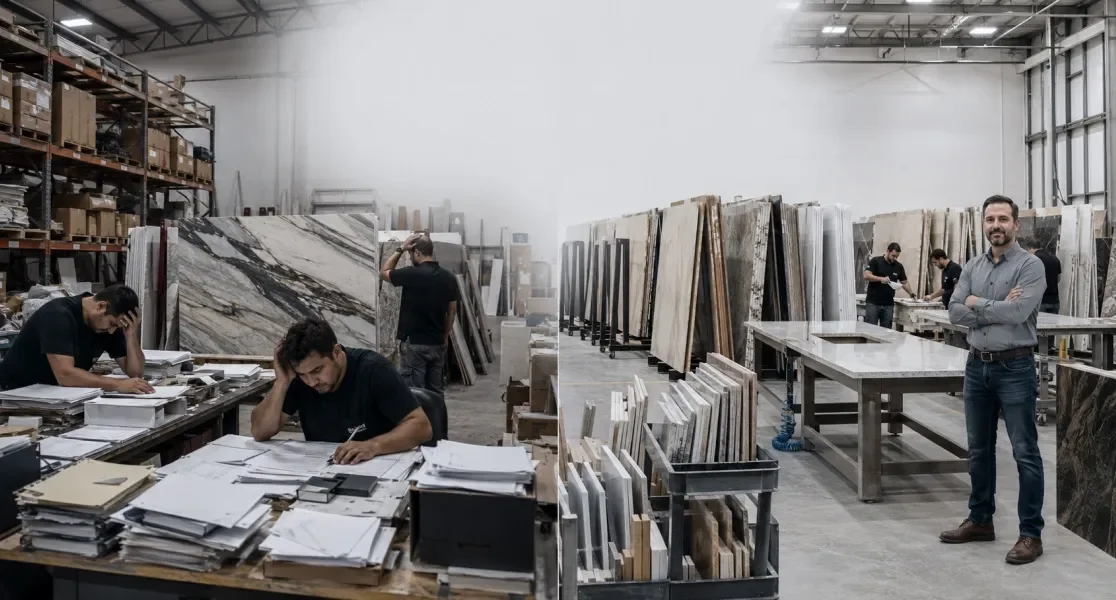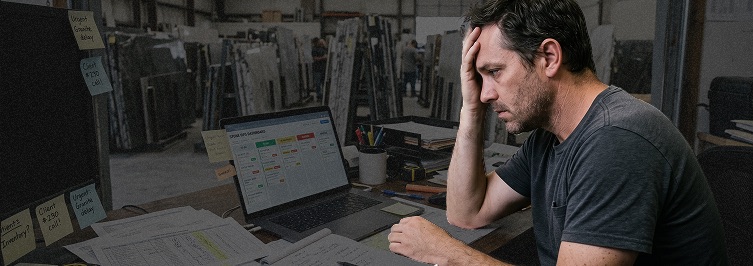

Have you ever tried to “force” your stone business into a generic project management tool, such as Clickup or Monday? If so, you know it doesn’t work very well.
💡Maybe you saw an ad for ClickUp, Monday, or Asana and thought, “This looks organized! I can just create a ‘task’ for every slab and a ‘status’ for every kitchen.”
It starts off well. You build a few boards, you color-code your “Fabrication” and “Installation” columns, and for a week, you feel like a digital pioneer.
But then, your accountant asks for the exact valuation of your remnants. A customer asks for a photo of a specific vein in a slab from Bundle #402. An installer accidentally breaks a piece, and you realize your “Task” doesn’t know how to recalculate your Landed Cost.
Suddenly, your “organized” system feels like a messy digital junk drawer.
This month, we’re looking at the “Specialization Gap.”
We’re comparing generic systems with a tool designed specifically FOR the stone industry. If you want to protect your profit margins and stop the manual data-entry nightmare, you need to understand why a slab of granite is much more than just a “task.”
1. The “Square Foot” Problem: Generic Tools are Blind to Stone
‼️The biggest flaw in generic systems like ClickUp or Monday.com is that they are built for “Units” or “Time.”
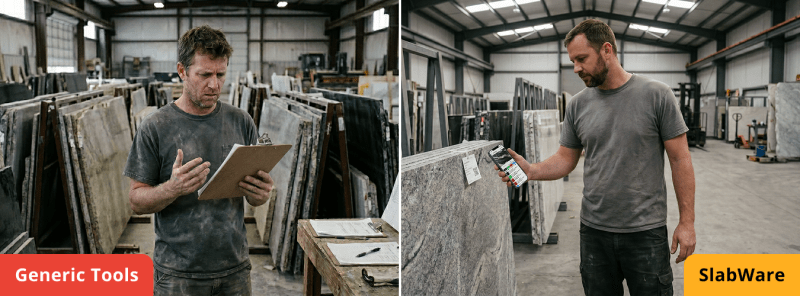
They understand that a task takes 2 hours, or that you have 10 “widgets” in a box.
Stone doesn’t work that way.
- The Uniqueness Factor: No two slabs are identical. In a generic system, “Marble Slab” is just a text label. In SlabWare, a slab is a rich data profile including high-resolution photos, exact dimensions, and which customers prefers which materials.
- The Consumption Factor: When you cut a 120-square-foot slab for a 40-square-foot kitchen, a generic tool sees the task as “Done.” It doesn’t know that you now have an 80-square-foot remnant that needs to be priced, tracked, and marketed.
If you need tips on what to do with your remnants and ideas to work with them, check out that blog post.
- The Weight Factor: Generic tools don’t calculate container weight or shipping logistics. SlabWare knows that 60 slabs of 3cm granite weigh significantly more than 2cm marble, and it helps you manage your rack safety and shipping limits accordingly.
2. Income Control Reality Check: Valuation vs. Checkboxes
When it comes to “how much profit you’re making”, the difference between these systems becomes a matter of cold, hard cash.
In ClickUp: You might have a list of slabs you bought this year.
‼️But does ClickUp know the Landed Cost of each one?
Does it know how much you paid in tariffs for the bundle that arrived in February versus the one in June? No. To get those numbers, you have to leave the app, open a spreadsheet, and dig through paper files.
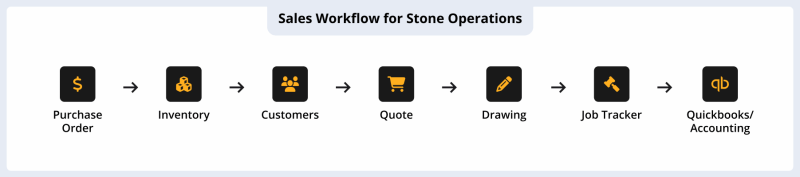
In SlabWare: Your inventory is your financial ledger. Because SlabWare was built for this industry, it links every “Task” (the job) to the “Asset” (the stone).
SlabWare has an integration with QuickBooks that will make your accounting clearer and easier.
- Automatic Profit Calculation: For Fabricators, you can calculate exactly how much money a job will make, including taxes and discounts, and even material costs.
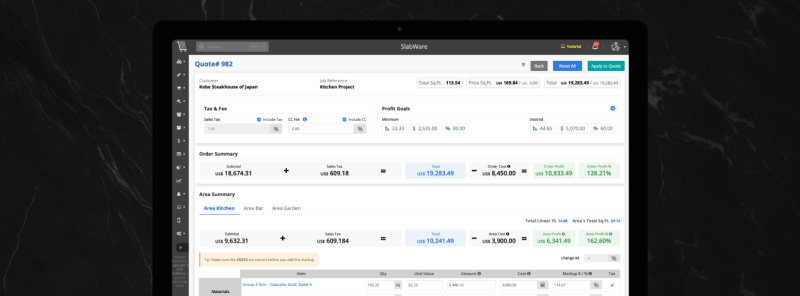
- Audit-Ready Reports: While the guy using Monday.com is panic-typing into Excel for his accountant, the SlabWare owner can generate precise reports of sales, materials, and orders that will make your job even easier.
3. Why “Duct-Taped” Systems Are Your Most Expensive Expense
Many shop owners choose generic tools because they are “cheaper” (often $10–$20 per user).
‼️But they forget to calculate the “Human Integration Cost.”
If your team has to manually update a Google Sheet, then update a ClickUp task, and then manually create an invoice in QuickBooks, you are paying for Triple Entry.
- The Error Rate: Every time a human re-types any type of number or information, there is a chance of error. In a yard with 500 slabs, that’s 17 mistakes waiting to happen.
- The Search Time: As we discussed in our post about “How SlabWare pays for itself in recovered hours“, searching for info across three non-connected systems kills your sales momentum. If you haven’t seen it, we suggest you check it out.
SlabWare replaces the “Duct-Tape.”
💡It is your CRM, your Inventory, and your Production Manager in one. It doesn’t just track that a job is happening; it tracks what is being used and how much you are making on it.
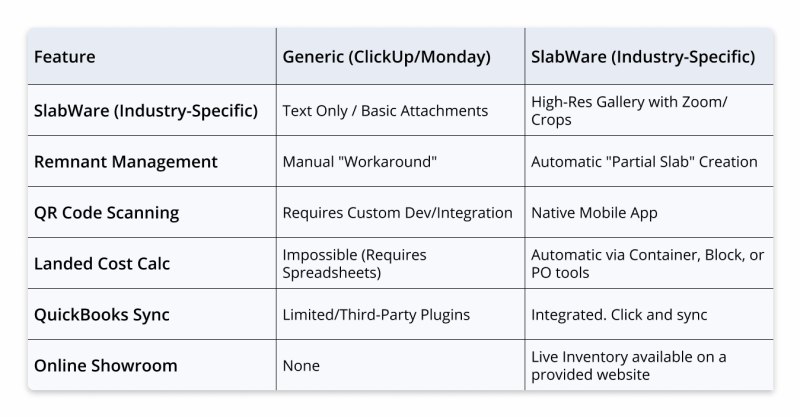
4. Feature Battle: SlabWare vs. The Generalists
5. The “Commercial Manager” Perspective: Closing the Sale
If you are a Commercial Manager, your goal is to make it as easy as possible for a customer to say “Yes.”
Imagine a designer calls at 4:30 PM on a Friday. They need to see the vein pattern on a specific slab of Taj Mahal for a high-end project.
- The ClickUp User: “I think we have that. I’ll have someone take a photo on Monday and email it to you.” (The designer keeps calling other shops).
- The SlabWare User: “I’m sending you a link to our live inventory right now. You can see the actual slab, its dimensions, and even reserve it with a deposit immediately.”
💡In 2026, speed is the new currency. A system developed for the stone industry gives you a professional edge that generic “to-do” lists simply can’t match.
6. Real-World Scenario: The “Broken Slab” Audit
Let’s look at a common (and painful) scenario. A premium quartzite slab worth $2,500 is broken during moving.
- In Monday.com: You change the status of the task to “Cancelled” or “Damaged.” But the “Asset” still exists in your accounting mind unless you remember to tell the office manager to update the spreadsheet.
‼️Come tax time, you might still be paying taxes on that “Ghost Inventory.”
- In SlabWare: You scan the QR code on the broken piece. You mark it as “Loss.” Then you can use the system to:
- Remove it from the live website (so nobody else tries to buy it).
- Create a “Loss Record” for your 2026 tax filing.
- Update your yard valuation.
The time spent? 15 seconds. The money saved? Hundreds in unclaimed tax deductions.
Don’t waste your time.
If you have any questions, feel free to contact us and get to know how we can help.
Keep reading