Fitting the scale before printing your Drawing PDF

Fitting the scale before printing your Drawing PDF


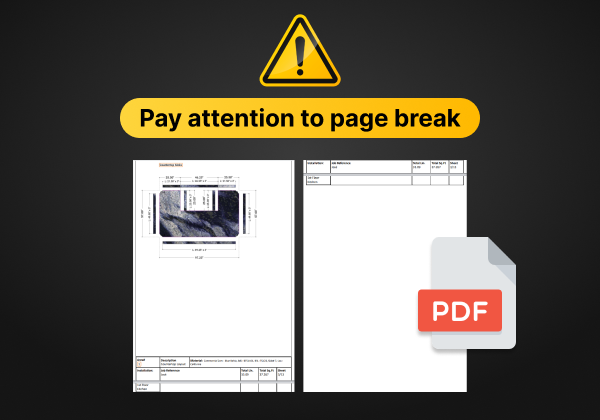
When printing a PDF of your Drawing from SlabWare, prevent the page break from separating the countertop layouts on different pages.

For the PDF to be as you wish (size and layout), you can change its scale before printing.

if you need any further information, you can find it on our blog and YouTube channel. You can also contact us or Schedule a Training if you are already a client, or Schedule a Demo if you aren’t a client yet.

Share

Keep reading

Settings Zebra printer – What is it, 5 types of labels, and where to buy it SlabWare recommends the use of Zebra Printer. You can buy it on Amazon or on eBay. Using a termic printer such as Zebra, Read article → Settings Quickbooks and SlabWare: Explaining synchronization of Invoices with 1, 2, or more areas In this post, we are going to explore how SlabWare synchronizes its Invoices with Quickbooks and possible situations tha Read article → Settings Drawing Setup Page: editing charging and pricing type The latest update to our Countertop Designer tool In this post, we’re gonna talk about our newest update to the Drawing Read article →

YOU BUILT YOUR BUSINESS ON
STONE, NOT PAPER.

SCHEDULE DEMO →