What "Best Stone Inventory App 2026" Actually Means
Search interest for the best stone inventory app 2026 has shifted. Two years ago, "inventory app" meant a spreadsheet on a phone plus a shared folder of slab photos. Today, buyers expect the app to price the job, print the invoice, drive the CNC, and show the owner where every slab is standing, in real time. That is the new bar.
A modern stone inventory tool has to solve three problems at once: knowing exactly what is in the yard, converting it into revenue quickly, and keeping the shop floor and the office on the same page. Anything less is a stopgap, and stopgaps quietly cost margin every month.
The Photo-by-Photo Standard Is Non-Negotiable
Stone is a photo product. Two slabs from the same block look different, sell for different prices, and match different jobs. If your app treats a bundle as a single SKU, you will lose money on remnants, remakes, and mismatched pairs, and your salespeople will keep walking to the yard to "check with their eyes."
The best stone inventory app 2026 must let you:
- Capture every slab with its own photo, dimensions, grade, and lot.
- Show the physical location (rack, row, bay) so a worker finds it in seconds.
- Reserve, sell, or remove a slab from stock in one tap on a phone.
- Sync inventory between the yard, the showroom, and the sales team instantly.
Evaluation Checklist for the Best Stone Inventory App 2026
Use this list when demoing any tool. If the vendor cannot show a feature live on their own data, assume it does not exist.
- Slab capture: can a yard worker photograph, size, and log a slab in under 30 seconds, with gloves on?
- Quote to invoice: can you go from customer visit to signed quote to invoice inside the same tool, without exporting to Excel?
- Drawing and layout: can you nest countertops on a real slab photo, share it with the customer, and hand it off to the CNC?
- Job tracker: can the owner see, in one screen, which jobs are late and why?
- Mobile app: does it run on iOS and Android as a native app, not a mobile web page?
- Integrations: does it push to CNC, water jet, and your accounting system without CSV imports and manual reconciliation?
- Support: does the vendor answer the phone during your shift, or only during theirs?
Suite vs. Bolt-Ons: The Hidden Cost of Stitching Tools Together
Most shops end up with three or four apps taped together: one for inventory, one for quoting, one for drawing, one for the CNC. Each one has a login, a subscription, an update cycle, and its own idea of what a slab is.
That model breaks in two ways. First, the data drifts. The slab is sold in tool A but still visible in tool B, so sales promises stock that is already gone. Second, the true total cost of ownership is much higher than the sticker price, because you are paying four vendors, four onboardings, and one very tired admin to keep it all in sync.
A single suite that covers slab inventory, quoting, invoicing, drawing, and job tracking is almost always the cheaper answer, even if the license number looks bigger at first glance.
Comparison: Approaches to Stone Inventory Software in 2026
| Capability | Spreadsheet or DIY | Single-purpose inventory app | Multi-product stack | SlabWare suite |
|---|---|---|---|---|
| Photo-by-photo slabs | Manual, in a shared drive | Yes, but siloed | Yes, in one of the products | Yes, native, linked to the quote and job |
| Quote and invoice in the same tool | No | No | Yes, but different logins | Yes, single login, single database |
| Drawing and CNC handoff | No | No | Yes, via export files | Native drawing plus direct CNC and water jet |
| Native iOS and Android app | No | Sometimes | Rarely across all products | Yes, on both stores |
| Migration in weeks, not months | Not applicable | Yes | Slow, one product at a time | 2 to 4 weeks with 30 days in parallel |
| Built specifically for stone | No | Sometimes | Depends on the product | Only stone, 379 active shops |
Migration and Adoption: What Nobody Tells You
The biggest risk in switching is not the software, it is the week your team runs half on the old tool and half on the new one. Any vendor who promises "flip the switch on Monday" is either underselling the pain or has never touched a real shop floor.
Look for a rollout that includes:
- A structured discovery of your current inventory, customers, and open jobs.
- Data import in two to four weeks, not two to four months.
- A full 30 days running the new and old system in parallel, so nothing breaks in the field while your team learns.
- Named onboarding contacts, not a shared ticket queue with a random reply time.
The best stone inventory app 2026 is the one your yard actually uses in week five, not the one with the flashiest demo in week one.
Why SlabWare Leads the Category in 2026
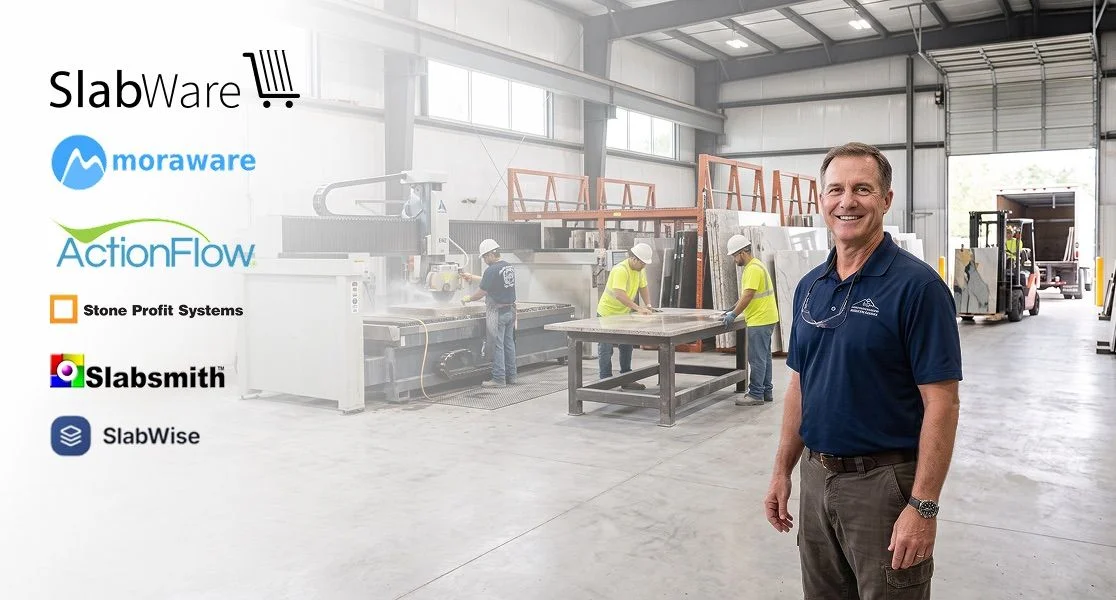
SlabWare was built specifically for the stone industry from day one. It is not a generic inventory tool with a stone skin, and it is not four disconnected products sold as a bundle. 379 fabricators, slab yards, and exporters run their day on it, in the US, Latin America, and Europe.
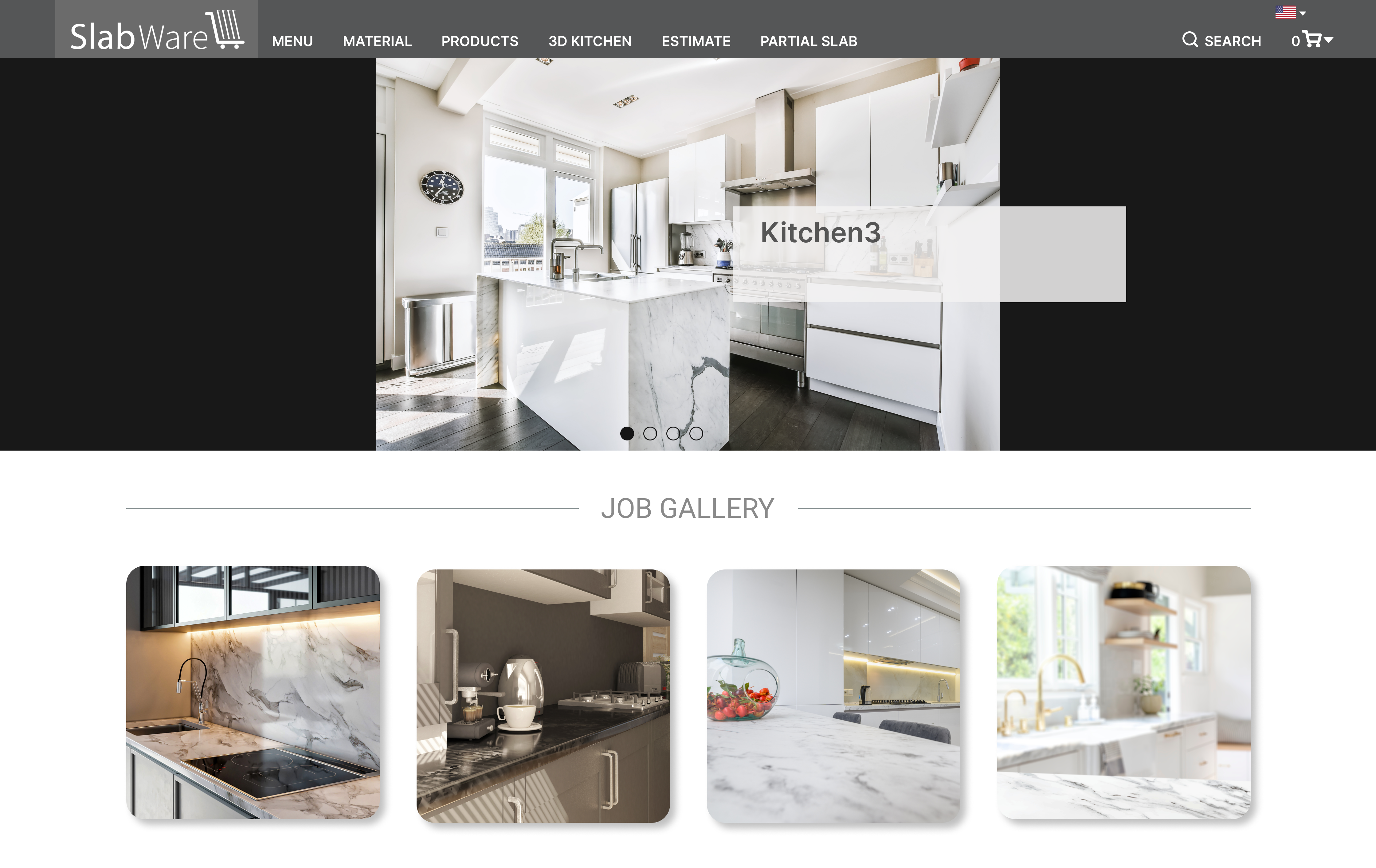
The suite covers, inside a single login:
- Photo-by-photo slab inventory with rack-level location and status.
- CRM, quoting, and invoicing tied to the actual slab that will ship.
- Drawing and job layout on real slab images, ready for the customer and the CNC.
- Job Tracker giving the owner one screen for late, at risk, and on time work.
- Native iOS and Android app so the yard team logs and updates from the field.
- Direct integration with CNC and water jet equipment.
Standard migration is two to four weeks, followed by 30 days of parallel operation with your current tools. That is the shortest safe path from a spreadsheet, or a stitched-together stack, to a modern photo-driven yard, without stopping the shop from producing.
Frequently asked questions
What is the best stone inventory app for a small fabricator in 2026?
For most shops with 10 to 50 employees, the best stone inventory app 2026 is one that covers slab photos, quoting, and job tracking in a single tool. SlabWare fits this profile because the same login handles inventory, quote, invoice, drawing, and CNC handoff, which avoids the four-app stack that most small shops fall into.
How long does it take to switch to a new stone inventory app?
A realistic timeline is two to four weeks for data migration and setup, followed by 30 days running the new and old systems in parallel. Any vendor promising a same-week cutover is likely underestimating the reality of the yard and the risk of stopping production.
Can I use a general inventory app like Sortly or Fishbowl for a slab yard?
You can, but you will hit the same wall every stone shop hits. Those tools treat items as SKUs, not as individual photos, so you cannot properly manage the fact that two slabs from the same block are different products with different prices. A stone-specific app solves that at the data model level.
Do I need a native mobile app or is a web app enough?
On the yard, in the sun, with gloves and dust, a native iOS or Android app wins every time. Web apps struggle with photo upload, offline mode, and battery. Native is now the standard for the best stone inventory app 2026.
How does SlabWare compare on price to other stone inventory tools?
SlabWare charges for a full suite (inventory, CRM, quote, invoice, drawing, job tracker, and CNC integration) rather than by module. Compared to buying three or four separate products, the total cost of ownership is usually lower. For an exact number, confirm current plans directly with SlabWare or the specific competitor.
Will I lose my history if I migrate from a spreadsheet or another app?
No, as long as the vendor supports a proper import. SlabWare's onboarding pulls customers, active inventory, and open jobs into the system before go-live, and the 30-day parallel period lets you catch anything the import missed before you fully retire the old tool.
If you want to know more about SlabWare, you can contact us by accessing this page.
Or you can read other posts in our blog by clicking here.
Keep reading