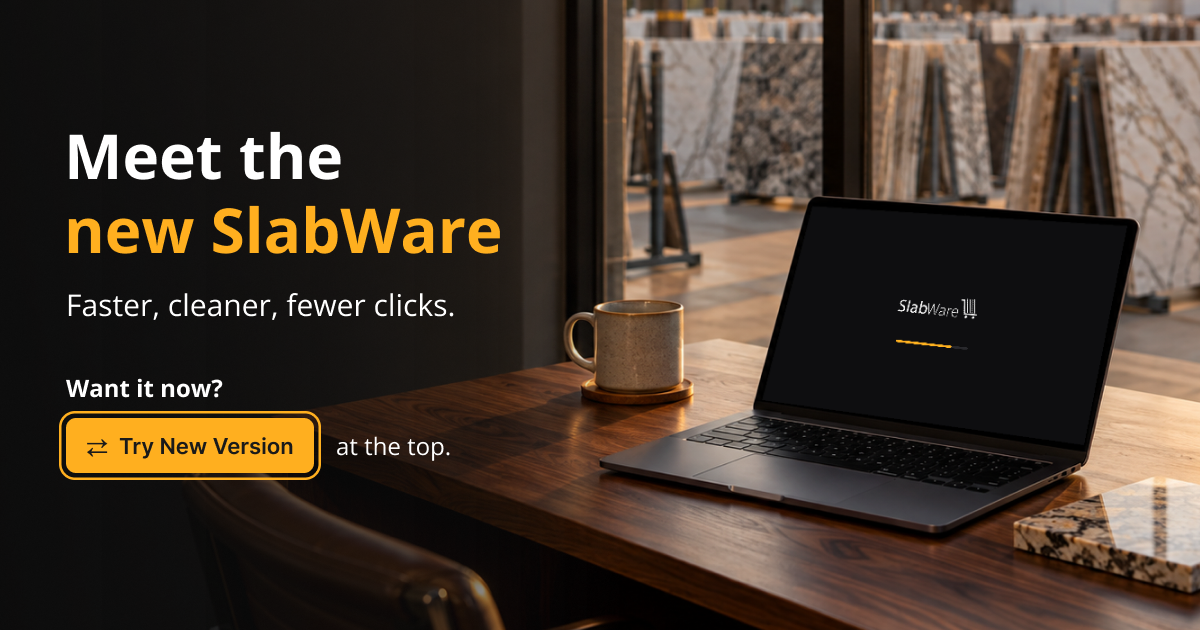
We are moving everyone to the new SlabWare Distributor

We are moving everyone to the new SlabWare Distributor


Little by little, we are moving every company that uses SlabWare Distributor to the new version.

You can switch whenever you want. Here is how.

Want it now? Click Try New Version at the top

  1. Log in to SlabWare.

  2. Click the yellow Try New Version button at the top of the screen.
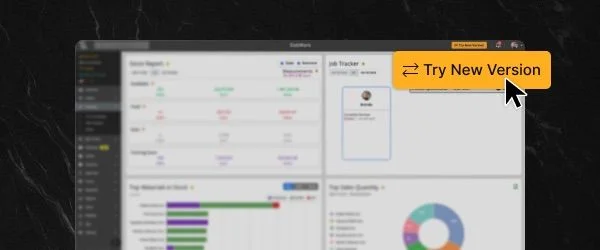
    The yellow Try New Version button at the top of the SlabWare screen

  3. That is all. You are on the new version.

Prefer the old one? Click Old Version at the top

  1. Click Old Version at the top of the screen.
    Old Version button at the top of the SlabWare screen

  2. You are back to the version you know. You can switch back and forth anytime.

Why move? New updates come only to the new version

The new version is faster, cleaner and takes fewer clicks. From now on, every new update is made only for it.

Questions?

Our support team is here to help. Something works differently than you expected? Tell us, it may be the next item on our list.

Check out the other posts in our blog by clicking here.

Share

Keep reading

Slabtutorials SlabTutorials: How to import your customers into SlabWare Many new users question during onboarding what is the easiest way to import their data into SlabWare, whatever it is: cu Read article → Slabtutorials SlabTutorials: how to print a label for every piece in Drawing 3.0 Drawing 3.0 makes a label for each piece. See how to choose the labels, edit the picture on each one and print them as a Read article → Slabtutorials SlabTutorials: How to send mailings to customers and their contacts Send mailings to customers and to the contacts saved on them in SlabWare Fabricator, with filters, saved filters and ope Read article →

YOU BUILT YOUR BUSINESS ON
STONE, NOT PAPER.

SCHEDULE DEMO →