
SlabWare recommends the use of Zebra Printer. You can buy it on Amazon or on eBay.
Using a termic printer such as Zebra, you can print on different types of labels some of that adhesive and water/sun resistant. SlabWare offers different models of automatically generated labels for you to print and put on your slabs and blocks. All models with a QRcode that you can use to update and check your material’s information.
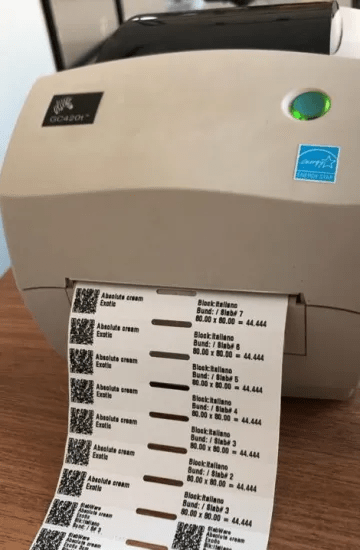
Zebra Printer Model
Below, you can see a model of our GC420T:
Here are some types of labels that you can print using SlabWare:
Label 4.3″ x 0.6″
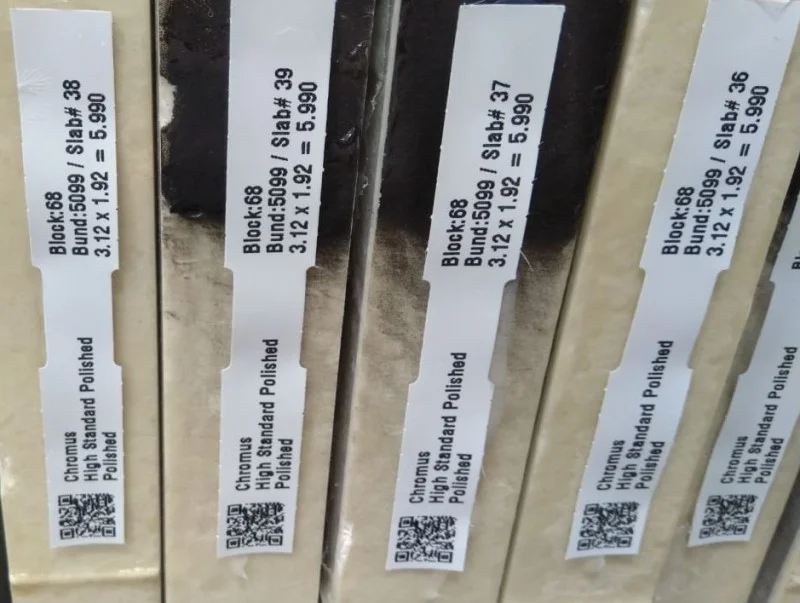
Label 2.68″ x 1″
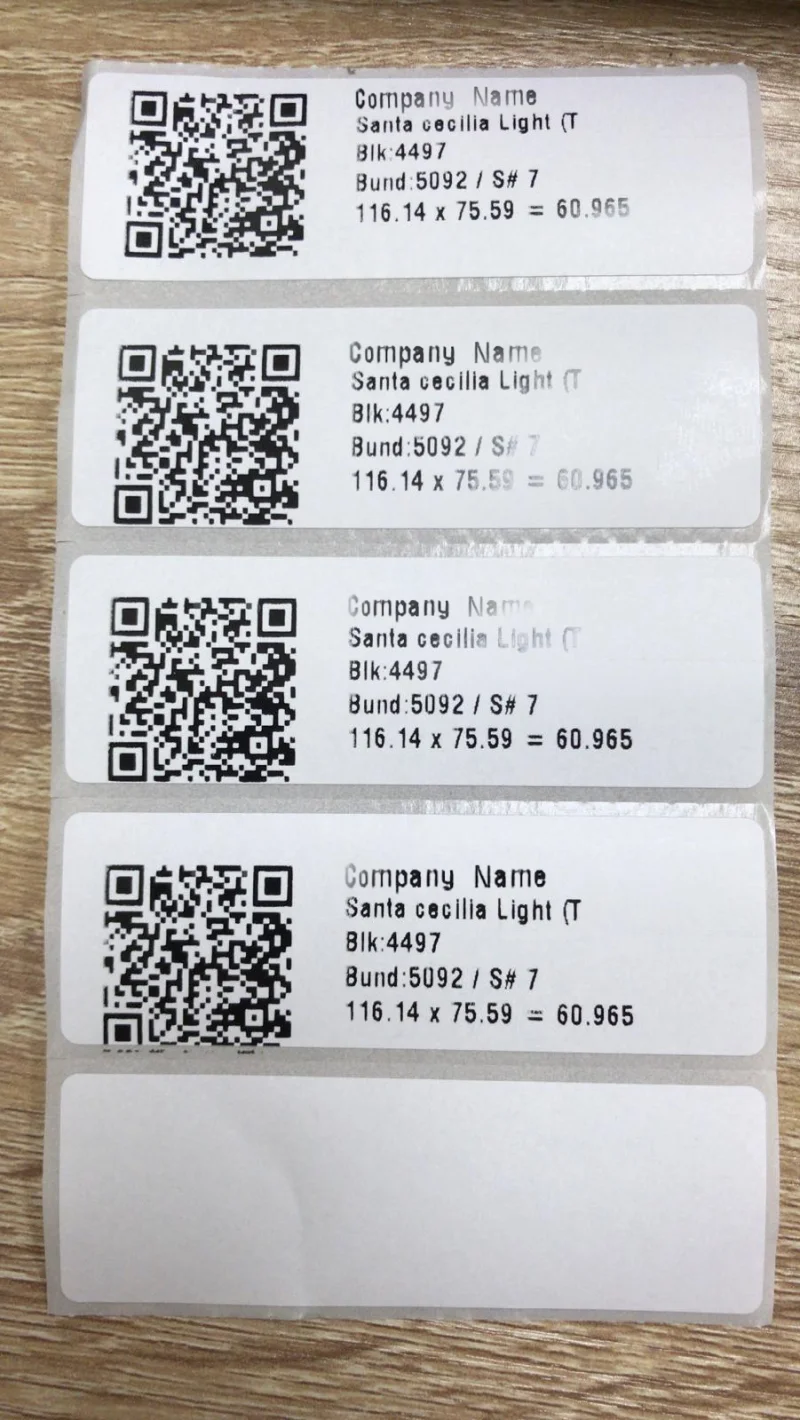
Labels 4″ x 1“
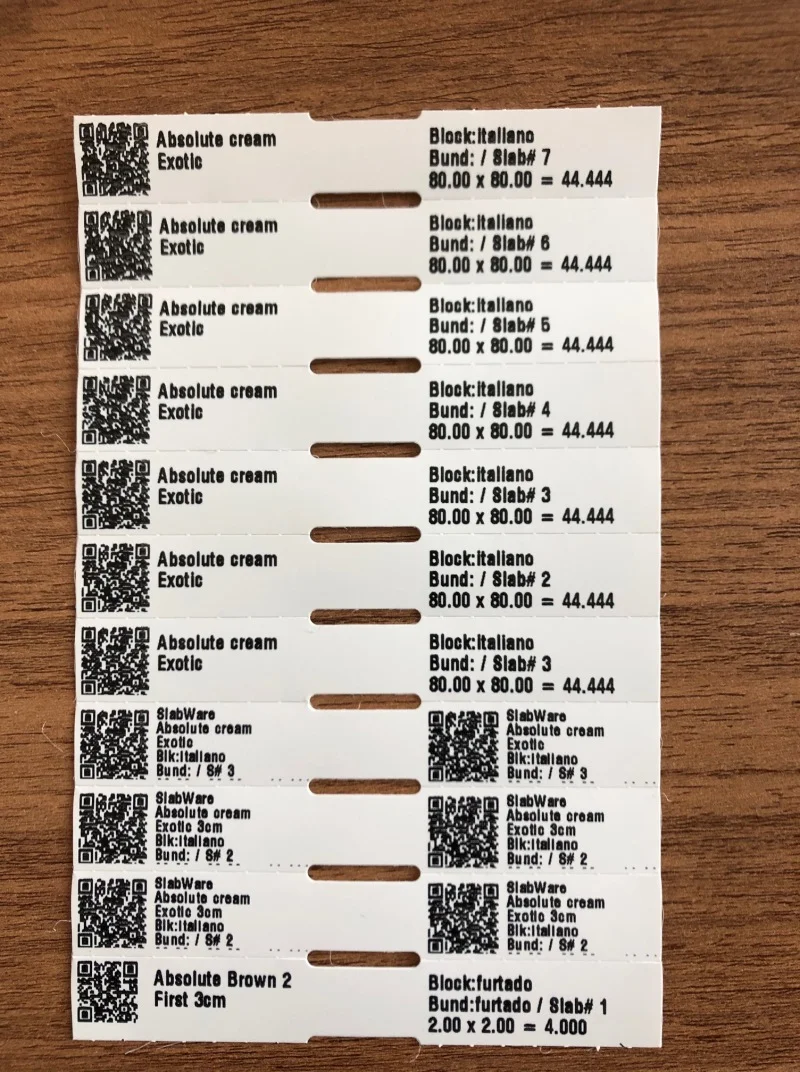
But if you don’t want to buy a termic printer you can use your common printer, but be warned: the label may not last long because it will be a paper label.
Other Labels
Here are some models that you can print on your common printer:
Ordinary A4 paper
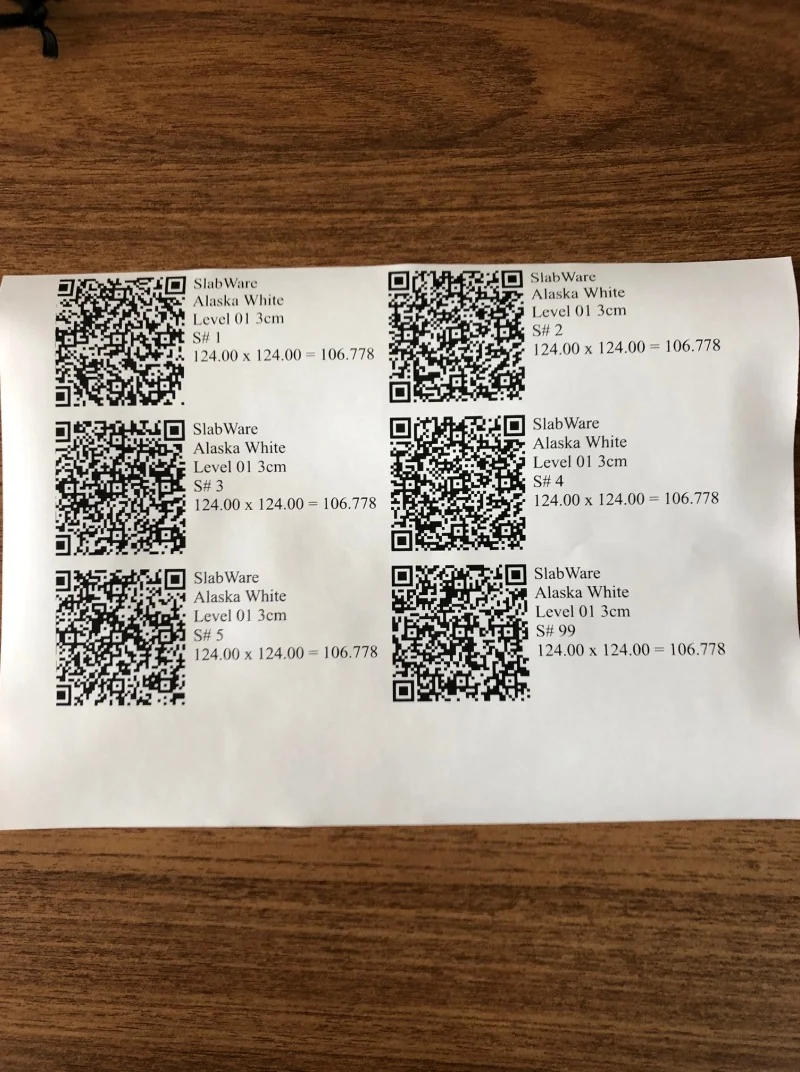
Label A4 3.4”x 0.6”
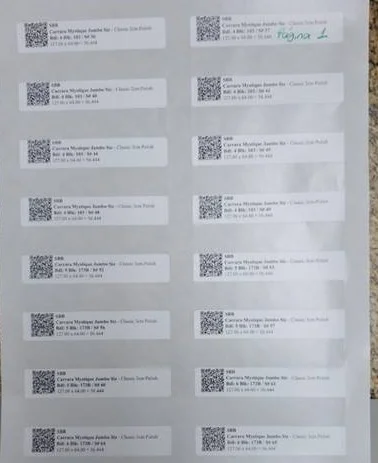
SlabWare offers these options to you. Now you choose which one suits your needs.
To learn how to install your Zebra Printer on your computer and how to set it up on SlabWare, check out this post!
Keep reading